Guides
Battlefield 6 Cheat Config Presets: Cautious vs Aggressive
Sep 20, 2026 · Updated Sep 20, 2026 · 4 min read
Two ready-to-copy Battlefield 6 cheat presets, one cautious and one aggressive, with FOV, smoothness, bone and ESP settings explained.
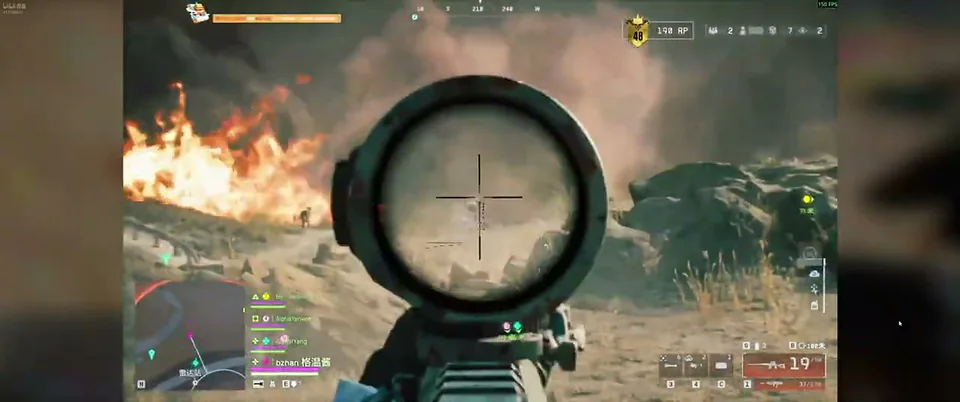
Two players. Same cheat. One looks like a sharp player having a great night. The other looks like a bot. The difference is nearly always the config.
Here are two starting points. Copy one, save it, and tweak from there. The numbers are described in plain terms because the right value depends on your own setup.
Preset A: Cautious
Goal: blend in, keep control.
- Aim bind: hold a mouse button, not Aim Always
- FOV: small, so it only reacts near your crosshair
- Smoothness: high, so the pull is slow and steady
- Distance: moderate, nothing at extreme range
- Bone: body or neck, with head only when it feels natural
- Visible check: on
- ESP: box and distance, nothing else
- Max distance: moderate
This one is built for longer sessions and for anyone nervous about attention.
Preset B: Aggressive
Goal: maximum information and speed.
- Aim bind: hold or Aim Always depending on taste
- FOV: larger
- Smoothness: lower
- Distance: long
- Bone: head
- Visible check: on
- ESP: box, name, distance, health bar, skeleton and snaplines
- Max distance: long
It is stronger, and also far easier for other players to notice. Use it in casual matches or bot-heavy modes, not where eyes are on you.
How to build your own
- Load Preset A and play one match.
- Change only one setting, such as smoothness.
- Play again. Did it feel better?
- Save the result as a new config.
- Repeat.
Saving each step means you can always go back. The config system supports save, load, share and delete, so keep a few versions around.
Related reading
Not sure what a slider does? The full settings guide explains them all. For the risk side of things, read the honest ban risk article.
Try it
Open the Battlefield 6 loader page to see every module, and swap presets with other players in the forum.
Questions about this guide
- Can I save and switch between presets?
- Yes. The config system lets you save, load, share and delete presets.
- Which preset should a beginner use?
- Start with the cautious preset and adjust one setting at a time.
- Do these presets guarantee safety?
- No. They are starting points, and no setting removes risk.
Keep reading
Guides
Battlefield 6 Cheat Setup Guide: From Payment to First Match
A step-by-step Battlefield 6 cheat setup guide: check status, pick a plan, pay, install from your portal, load a safe preset and play.
Oct 6, 2026 4 min read
Read setup guide
Guides
Battlefield 6 Cheat HWID Reset: Moving Your License to a New PC
New PC, new parts or a reinstall? Here is how a Battlefield 6 cheat HWID reset works and how to move your license without losing your key.
Sep 14, 2026 4 min read
Read HWID guide
Guides
Battlefield 6 Bot Lobbies and Casual Play: Using Cheats for Fun
Want to rack up kills, learn maps or just mess around? Here is how bot targeting and ESP work in Battlefield 6 casual and bot-heavy modes.
Sep 2, 2026 4 min read
Read casual play guide