Guides
Battlefield 6 Cheat HWID Reset: Moving Your License to a New PC
Sep 14, 2026 · Updated Sep 14, 2026 · 4 min read
New PC, new parts or a reinstall? Here is how a Battlefield 6 cheat HWID reset works and how to move your license without losing your key.
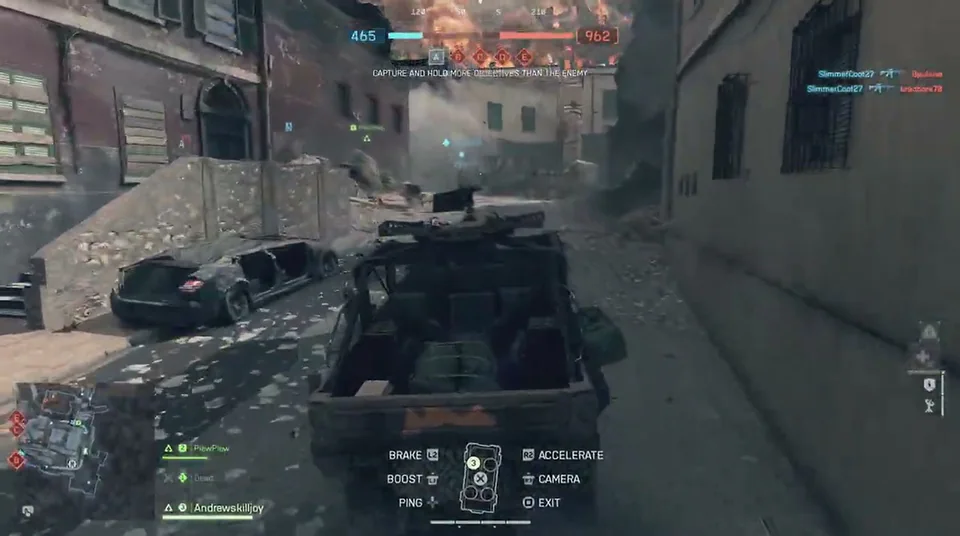
You upgraded your GPU. Or reinstalled Windows. Or switched to a new PC entirely. You open the loader and it refuses to run. Before you panic: your key is fine. The license just still thinks you are on the old machine.
What an HWID is
HWID stands for hardware ID. It is a fingerprint of your PC that links your license to one machine. That is how a key stays yours instead of being shared around. When your hardware changes, that fingerprint changes, and the license needs to be told.
How to move your license
- Log in to your portal.
- Find the HWID reset option and use it.
- Install the loader on your new setup following the guide in the portal.
- Launch it and confirm it recognizes your key.
If something does not behave, do not keep retrying. Open a support ticket or ask on Discord and explain what changed on your PC.
When you will need it
- You bought a new PC
- You replaced major components
- You reinstalled Windows
- You are moving between your own machines
Keep in mind
Resetting is meant for genuine hardware changes. If you plan to swap machines often, ask support how it works for your plan before you buy. Our pricing comparison shows what each plan includes.
Pair it with a clean setup
After moving, run through the setup guide again, check live status, and load a saved preset instead of rebuilding everything. Having a saved config makes this a five-minute job.
Need a key? See the plans on the Battlefield 6 product page. Questions from other players are answered in the forum.
Questions about this guide
- Can I use my key on a new PC?
- Yes. Use the HWID reset in your portal or open a support ticket.
- What is an HWID?
- It is a hardware identifier that ties your license to a specific PC.
- What if the reset does not work?
- Open a support ticket or ask on Discord. Support can help you sort it out.
Keep reading
Guides
Battlefield 6 Cheat Setup Guide: From Payment to First Match
A step-by-step Battlefield 6 cheat setup guide: check status, pick a plan, pay, install from your portal, load a safe preset and play.
Oct 6, 2026 4 min read
Read setup guide
Guides
Battlefield 6 Cheat Config Presets: Cautious vs Aggressive
Two ready-to-copy Battlefield 6 cheat presets, one cautious and one aggressive, with FOV, smoothness, bone and ESP settings explained.
Sep 20, 2026 4 min read
Read preset guide
Guides
Battlefield 6 Bot Lobbies and Casual Play: Using Cheats for Fun
Want to rack up kills, learn maps or just mess around? Here is how bot targeting and ESP work in Battlefield 6 casual and bot-heavy modes.
Sep 2, 2026 4 min read
Read casual play guide