Support
Battlefield 6 Cheat Not Working? Troubleshooting Checklist
Sep 8, 2026 · Updated Sep 8, 2026 · 4 min read
Loader will not start, menu missing, or it worked yesterday? Work through this Battlefield 6 cheat troubleshooting checklist before opening a ticket.
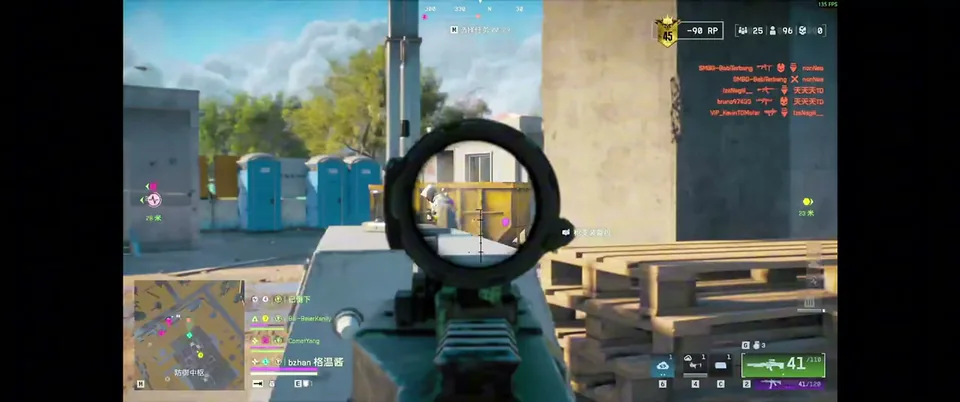
It worked yesterday. Today nothing. Take a breath. Most problems are fixable in a few minutes, and the cause is usually one of the same handful of things.
1. Check live status first
If the game updated, the cheat may be waiting on an update too. Look at the status on the product page before touching anything else. If it shows an issue, wait. Updates during your key are free.
2. Confirm your system
You need Windows 10 or 11 with an Intel or AMD processor. If you are on something else, that is your answer.
3. Follow the portal guide again
Your portal has the loader and the setup guide. Re-read the steps and compare them with what you did. Small skipped steps cause most failed installs.
4. Did your hardware change?
New parts, a new PC or a Windows reinstall can break license recognition. Use the HWID reset in your portal. Our HWID guide covers it step by step.
5. Menu will not open?
Check your menu bind. If you changed it and forgot, that is the problem. If you cannot remember, reload your saved config.
6. Things look wrong in game
Too many ESP elements can make the screen unreadable. Lower the max distance and turn off extras. Our ESP guide shows a clean setup.
7. Still stuck? Ask properly
Open a support ticket or join Discord. Include:
- What you were doing when it failed
- Any error text you saw
- Whether your hardware or Windows changed recently
- What your status page says
Clear details get faster answers, and support is available around the clock.
Prevent most problems
Check status before each session, keep a saved preset and use the setup guide when you move PCs. Need a fresh start? Visit the Battlefield 6 product page, or compare notes in the forum.
Questions about this guide
- Why did my cheat stop working?
- The most common reason is a game or anti-cheat update. Check live status before doing anything else.
- Where do I get setup help?
- Use the product guide in your portal, or ask on Discord. You can also open a support ticket.
- Does the cheat work on any PC?
- It supports Windows 10 and 11 on Intel or AMD.
Keep reading
Buyer's Guide
Best Battlefield 6 Cheats in 2026: What to Check Before You Buy
Every seller says undetected. Here is what actually separates a solid Battlefield 6 ESP and aimbot package from a waste of money, plus a checklist.
Oct 22, 2026 4 min read
Read buyer guide
Features
Battlefield 6 Aimbot and ESP: Every Setting Explained
Thirty toggles, no manual. A plain-English guide to Battlefield 6 aimbot and ESP options: FOV, smoothness, bone selection, visible check, skeleton and more.
Oct 18, 2026 4 min read
Read settings guide
Pricing
Battlefield 6 Cheat Prices: 1 Week vs 1 Month vs Lifetime
Battlefield 6 cheat plans compared: $15 for a week, $35 for a month, $150 for lifetime. Which one is worth it depends on how often you play.
Oct 14, 2026 4 min read
Read pricing guide